Type a lowercase a. Now change the font. The letter may grow a second storey, lose it again or lean into an unfamiliar curve. You still recognize the letter. A computer also needs a way to preserve that identity while letting the visible shape change.
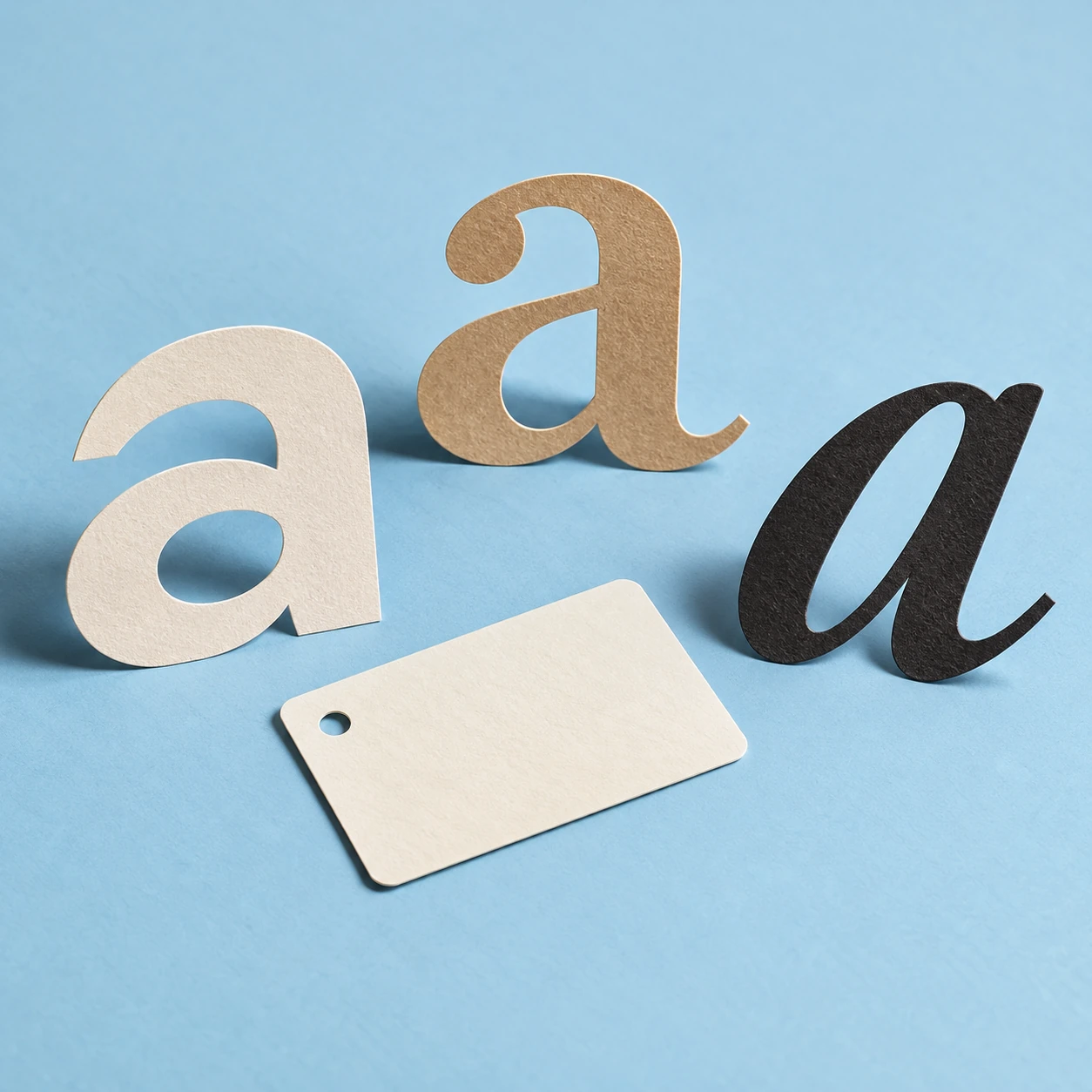
This is the useful distinction between a character and a glyph. A character belongs to the encoded text. A glyph is a drawn form used when the text is displayed. They are closely related, but counting the shapes on a screen does not always tell you how the text is stored.
A font change that leaves the message intact
The Unicode Standard's discussion of characters and glyphs describes their relationship explicitly. A single character can have different drawn forms. Rendering also depends on context and typography, so the connection is not always one character to one visible shape.
Try the explorer below with the same short text in three font families. The actual system fonts available on your device determine what you see. That variation is part of the lesson: the stored text does not need to change when the display design changes.
Inspect characters beneath their glyphs
Compare local fonts, code points and canonical normalization without sending text anywhere.
Open inspect characters beneath their glyphs in its own window.
The tool also shows the Unicode code points in your entry. These are identifiers for encoded units, not measurements of ink. They should not be confused with a count of perceived letters, keyboard presses or bytes in a file. Those counts answer different questions.
Two pieces can behave like one familiar letter
Consider an accented e. It can be represented by a precomposed character or by an e followed by a combining acute accent. A suitable rendering system can make those sequences look the same. In the explorer, choose the comparison example and inspect the code points before changing anything.
The Unicode normalization specification defines processes for bringing equivalent representations into particular standardized forms. The explorer's NFC button uses the browser's built-in normalization. For the supplied e-acute example, you can watch two code points become one without asking the visible letter to become a different letter.
That result does not justify removing every accent or replacing unfamiliar characters with familiar ones. Normalization is a defined transformation with specific rules. A spelling choice, a language distinction and a font preference are not all the same kind of difference.
One shape can also serve several characters
The Unicode character-encoding model uses the example of an f followed by an i displayed as a ligature. A font can join their drawn forms. Whether your current font does so depends on the font and the rendering settings, so do not treat a missing ligature as a broken standard.
Think of a handwritten word in which two pen strokes join. The connection on paper does not necessarily turn two letters into a new spelling unit. Typography offers more systematic versions of that flexibility. The reader sees an intentional form, while the encoded text can preserve the underlying sequence.
This matters when searching a document or copying a quotation. A visually convincing screenshot can conceal differences in the stored text. Conversely, two strings with different internal representations may be equivalent under a defined normalization process. Appearance is evidence, but it is not the entire text.
A careful test for a missing square
If an unfamiliar character appears as an empty box, several explanations are possible. The chosen font may lack a glyph. A fallback font may not be available. An application may have mishandled the encoding. The box alone does not prove that the character does not exist.
Use a small diagnostic sequence: preserve the original text, inspect its code points, try another font and compare it with a trusted source. Avoid “repairing” a person's name by replacing a letter with a lookalike before you understand the problem. The replacement may make the screen prettier while changing the name.
What the explorer deliberately does not decide
It does not identify a language, verify spelling, judge whether a name is correct or count every user-perceived character. It exposes code points and a chosen normalization step. Complex writing systems need richer analysis than a row of identifiers.
The pleasure of the character–glyph distinction is that it makes everyday text stranger and clearer at the same time. A letter can survive a new costume. Several encoded pieces can share a visible form. What looks like one tiny mark can be the result of a careful agreement among text, font and software.
Sources and further exploration: Unicode Standard: characters and glyphs; Unicode Standard Annex15: normalization forms; Unicode Technical Report17: encoding model.
Explore all 50 new articles · Browse the complete illustrated collection
Explore more art, ideas, and independent projects at Incoprea.